Compress PDF Online Free Without Losing Quality
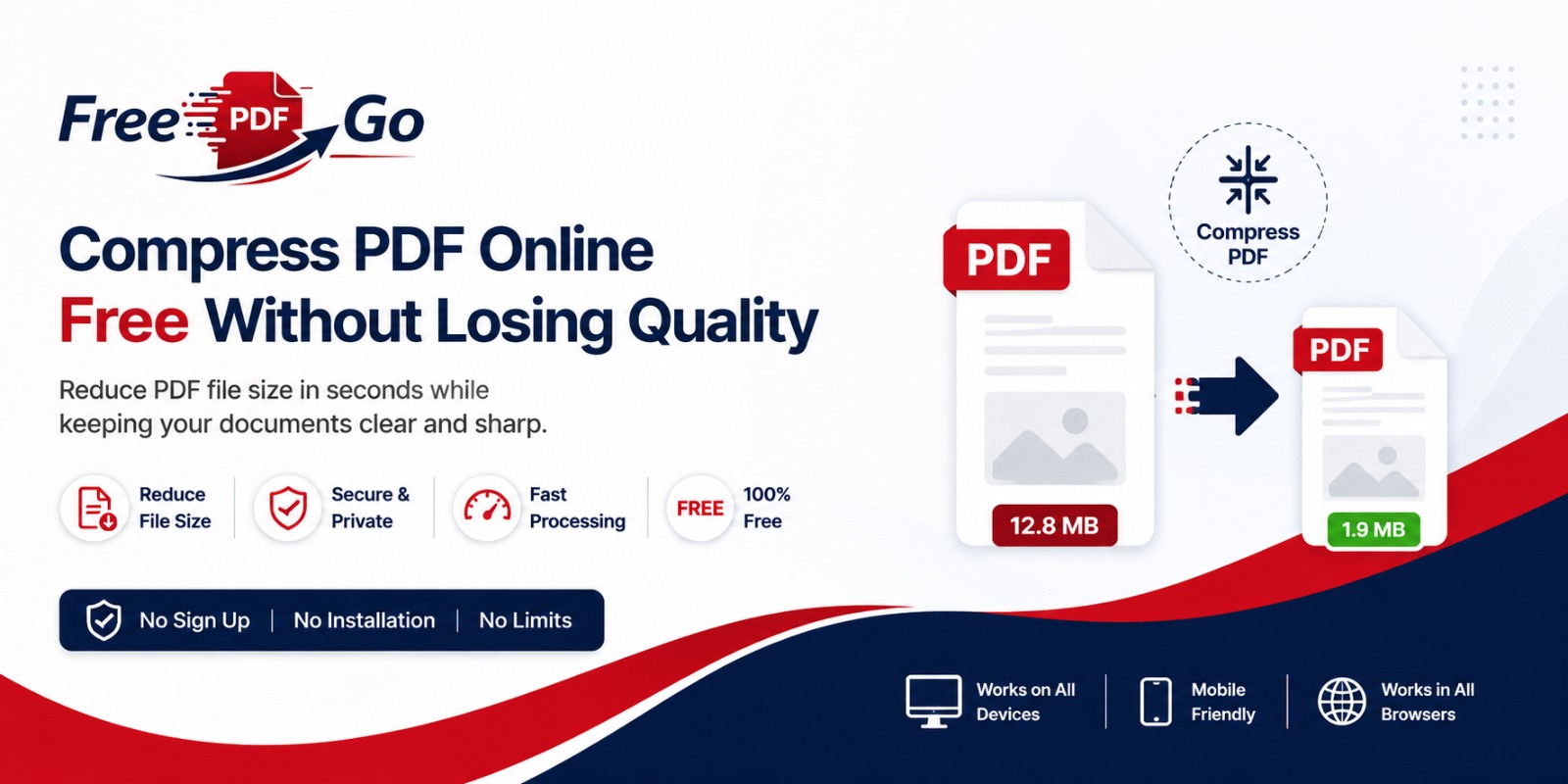
Compress PDF Online Free Without Losing Quality
Large PDF files can make it difficult to upload documents, send email attachments, or submit files to websites with upload limits. Whether you are a student submitting assignments, a professional sharing reports, or a business sending invoices, reducing PDF size can save time and improve productivity.
FreePDFGo offers a fast and simple way to compress PDF files online without losing quality. The tool works directly in your web browser, so there is no need to install software or create an account.
Why Use FreePDFGo?
- 100% Free
- No Registration Required
- Fast Processing
- Secure Browser-Based Tool
- Maintains PDF Quality
- Works on Windows, macOS, Linux, Android & iPhone
How to Compress PDF
- Upload your PDF file.
- Click the Compress button.
- Wait a few seconds.
- Download the compressed PDF.
Perfect For
Resumes, Contracts, Presentations, Invoices, eBooks, Study Notes and Scanned Documents.
Conclusion
If you frequently work with PDF documents, keeping file sizes small improves workflow and makes collaboration easier. Try FreePDFGo today to compress PDF files online quickly, securely, and without sacrificing document quality.